PDF File Size Reducer: Compress PDF Online Free

A fast PDF file size reducer with no sign-up

Looking for a compress PDF file size reducer? Upload one Portable Document Format (PDF) file up to 50 MB, choose a quality level, and download a smaller PDF for email, applications, websites, or storage. The tool is free, adds no watermark, and needs no account.

Drag & drop your PDF here

or click to browse · Max 50 MB

Shrink PDF Size, Preserve Quality

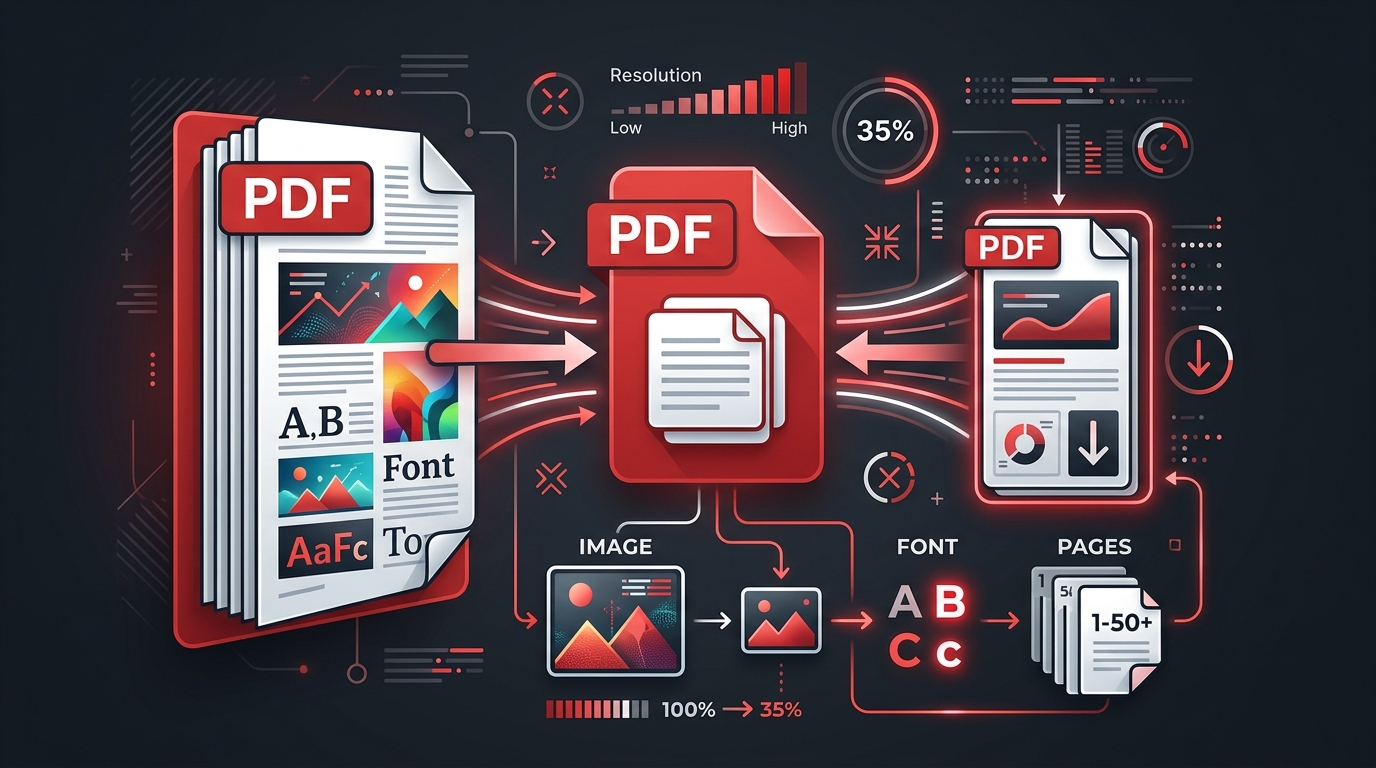
A PDF file size reducer uses 3 main controls: image resolution, image encoding, and document cleanup. The right setting can reduce PDF document size while keeping text sharp and images clear for reading, sharing, or printing.

Fast & Effective PDF compressor

This PDF file size reducer online processes one document up to 50 MB with Ghostscript. Most jobs finish in seconds, though a long scanned document takes more time. The result panel shows the original size, new size, and percentage saved, so the size change is clear before download.

Smaller PDFs, Same High Quality

Use Light compression for a PDF file size reducer without losing quality that is visible in normal viewing. Use Balanced for reports, invoices, and email attachments. Use Maximum when the PDF must compress to a smaller size and a modest reduction in image sharpness is acceptable.

Secure Compression, Trusted Worldwide

This PDF file size reducer is free with no sign-up, no watermark, and no payment screen. Compression runs locally in a WebAssembly worker, and the selected PDF never leaves the device.

How To Compress a PDF Online for Free

To compress a PDF online for free, upload the PDF, select a compression level, start compression, and download the result.

  1. Select a PDF. Drag a file into the upload area or choose a PDF from the device. The current PDF size limit is 50 MB.
  2. Choose a level. Use Light for high quality, Balanced for common documents, or Maximum to reduce PDF file size drastically.
  3. Compress the PDF. Select Compress PDF and keep the browser tab open while the device processes the document.
  4. Check the result. Compare the original size, compressed size, and compression ratio indicator.
  5. Download the file. Save the smaller PDF document while the result remains open in this browser tab.

How Does a PDF File Size Reducer Work?

A PDF file size reducer makes a PDF smaller by rewriting oversized images, compacting data streams, removing redundant objects, and storing fonts more efficiently. The page content stays in the same order, while the data used to draw each page takes less storage space.

01

Image downsampling

Scanners and cameras can place 300–1,200 dots per inch (DPI) images inside a PDF, even when a screen needs far less detail. Downsampling and resampling reduce excess pixels. Photographs can then use JPEG or JPEG2000 encoding, while simple graphics can use PNG-style lossless data.

02

Stream compression

PDF pages contain text, drawing commands, object tables, and image streams. FlateDecode applies lossless compression to suitable streams. Ghostscript rewrites duplicated or inefficient objects and creates a cleaner output structure.

03

Font optimization

Font subsetting stores only the characters a document uses instead of every character in the full font. This process can minimize PDF file size while preserving selectable text and the intended typeface.

04

Quality-aware output

Lossless compression preserves all encoded detail but often saves less space. Lossy compression removes selected image information and produces a stronger reduction. This tool never replaces the output with a larger file; it keeps the original bytes when rewriting does not save space.

Choose the Best PDF Compression Level

The best PDF size reducer setting depends on where the file will be read and how small the final file must be. Start with the least aggressive level that meets the upload or attachment limit.

Compression level Image target Best for Quality tradeoff
Light About 200 DPI Professional reports, print drafts, portfolios, and documents with charts Smallest visible change and a lighter size reduction
Balanced About 150 DPI Email attachments, invoices, forms, coursework, and routine office files Clear screen reading with a stronger size reduction
Maximum About 72 DPI Strict upload limits, mobile viewing, previews, and image-heavy scans Smallest output with softer photos and scanned text

No compressor can promise one fixed reduction percentage for every file. A 20 MB scanned PDF can shrink far more than a 200 KB text PDF that already uses efficient fonts and compressed images.

When to Compress a PDF to a Smaller Size

Email attachments

Reduce PDF file size for email when a mail provider or company gateway rejects a large attachment. Balanced compression usually keeps invoices, proposals, and reports readable on laptops and phones.

Application portals

Downsize a PDF file for job, school, visa, insurance, tax, or government portals with a stated file limit. Check every page after compression, especially signatures, seals, identification images, and small text.

Scanned documents

A scanned PDF often stores one large TIFF, PNG, or JPEG image per page. Maximum compression reduces image resolution most strongly. Confirm that optical character recognition (OCR) text remains searchable after processing.

Web publishing

Optimize PDF size before placing a brochure, manual, menu, or report on a website. A smaller PDF loads faster on mobile data and uses less bandwidth for every download.

Cloud storage

Compress archived copies before saving them to Drive or Dropbox. Keep an uncompressed master when the document will be edited, printed at high quality, or retained as an archival PDF (PDF/A).

Mobile sharing

Create a smaller PDF file before sending it through a messaging app or opening it on Android and iOS. Small files download faster and take less device storage.

Everything You Need in a PDF Compressor

Compress PDFs on Any Device

The browser-based PDF file compressor works on Windows, macOS, Linux, Android, and iOS without an app. Mac users can reduce PDF file size in Preview with an export filter, while Windows users can use this web tool, Adobe Acrobat Pro, Nitro PDF, or Foxit PhantomPDF. Drive and Dropbox users can download a file, compress it here, and upload the result again.

Compress PDFs & Other File Formats

This tool accepts PDF files only. Convert JPEG, JPEG2000, PNG, or TIFF images to PDF before upload. Image utilities such as ImageMagick, jpegoptim, and pngquant process source images before PDF creation. Other PDF utilities include Smallpdf, ILovePDF, PDF24, PDF Candy, Sejda, Online2PDF, Convertio, PDFsam, and PDF Compressor.

GDPR Compliance

The General Data Protection Regulation (GDPR) sets rules for processing personal data in the European Economic Area. Automatic file deletion and minimal data collection support privacy, but a website operator must document hosting, logs, subprocessors, retention, and user rights before claiming GDPR compliance.

ISO/IEC 27001 Certified Security

International Organization for Standardization and International Electrotechnical Commission 27001 (ISO/IEC 27001) certification applies to an audited information security management system. This independent tool does not claim ISO/IEC 27001 certification. Check a provider’s current certificate and audit scope before uploading regulated documents.

File Transfer Encryption

Transport Layer Security (TLS) encrypts file transfers when the site is deployed with Hypertext Transfer Protocol Secure (HTTPS). Local development at http://localhost is not TLS encrypted. Production operators must configure HTTPS at the host or reverse proxy before describing transfers as encrypted.

PDF Compressing FAQs

Is this PDF file size reducer free?

Yes, this PDF file size reducer is free to use. The tool does not request payment, add a watermark, or lock a compressed file behind an account. The current limit is one PDF up to 50 MB per compression job.

Can I reduce PDF file size online without signing up?

Yes, reduce PDF file size online without signing up by selecting a file and choosing a compression level. No email address, user profile, or software installation is required.

Can I use the PDF file size reducer without losing quality?

Yes, use Light compression to reduce file size with the smallest visible quality change. PDF file size reduction without any data loss is limited when the source is already optimized. Review photos, scanned text, signatures, and fine diagrams at 100% zoom before using the compressed copy.

Why is my PDF file size not reducing?

A PDF may not get smaller when its images, fonts, and data streams are already compressed. Text-only files, digitally generated invoices, and previously optimized PDFs often have little removable data. This tool returns the original-size file instead of a larger rewrite when Ghostscript cannot reduce it.

What is the best PDF size reducer setting for email?

Balanced is the best PDF size reducer setting for most email attachments. Balanced targets clear screen reading and meaningful file size reduction. Choose Maximum when an attachment still exceeds the email limit, and choose Light when image detail matters more than size.

Can I reduce a scanned PDF file size?

Yes, scanned PDFs often achieve the largest reduction. Scanned pages contain high-resolution images that can be downsampled and re-encoded. Use Balanced first, then Maximum when the file remains too large. Check the optical character recognition (OCR) layer and small printed text after download.

Can I reduce PDF file size on Windows, Mac, Android, or iPhone?

Yes, the browser tool works on Windows, macOS, Android, and iPhone. Mac users can use Preview’s Reduce File Size export filter for an offline option. Windows users can run Adobe Acrobat, PDF24, or Ghostscript locally. A browser-based tool needs no native PDF file size reducer app.

Is it safe to compress a PDF online?

Yes, this compression tool keeps the PDF on the device. A WebAssembly worker reads and compresses the PDF in browser memory. The site does not send the PDF to an application server.

Can I compress a PDF to exactly 100 KB, 200 KB, or 1 MB?

No compression level can guarantee an exact target for every PDF. Choose Maximum for a strict target, remove unneeded pages, and compress source images before rebuilding the PDF. The number of pages, image detail, fonts, forms, and existing compression set the smallest usable size.

Which tools can reduce PDF file size offline?

Adobe Acrobat Pro, PDF24, Ghostscript, Nitro PDF, and Foxit PDF Editor can reduce PDF file size offline. Developer options include Apache PDFBox, iText, pdftk, and ImageMagick-based image preparation. PDFsam focuses more on splitting and merging than advanced image recompression.

How is this tool different from Smallpdf or iLovePDF?

This tool provides 3 compression levels with no sign-up and keeps the PDF on the device. Smallpdf, ILovePDF, Sejda, PDF Candy, Online2PDF, Convertio, and Adobe Acrobat offer broader suites that can include conversion, editing, cloud connections, mobile apps, or paid plans. Compare current limits and privacy terms before choosing a service.
Tutorials on PDF Compression

Target: 1 MB

Compress PDF to 1 MB for Free

Start with Balanced compression to reduce a PDF below 1 MB. Retry with Maximum compression when the output stays above 1 MB. Image-heavy PDFs gain more from downsampling than text-only PDFs.

Open 1 MB PDF tool
Custom target

How To Compress PDF to a Chosen Size Online

Test each compression level and keep the smallest readable result to reach a chosen size. Use Light first, Balanced second, and Maximum last. Split the document or delete PDF pages when compression alone cannot meet a 200 KB, 1 MB, or email attachment limit.

Document Work Made Easy

Use the PDF file size reducer to compress large PDF files for email, upload forms, mobile access, and lower storage use. The upload control, quality setting panel, compression engine, result summary, and download link keep PDF size reduction in one short workflow.

Solutions

Compress reports for email, downsize scanned PDF files, prepare forms for portal limits, and optimize PDF size for web delivery.

Company

PDF File Size Reducer is a small, open-source document utility with no account requirement and private browser-side processing.

Product

The product includes a PDF file shrinker, 3 quality settings, size comparison, protected file validation, and direct download.

Apps

Use the web app on Windows, macOS, Linux, Android, or iOS. No native app, browser extension, or PDF Editor installation is required.

From Our Blog

In-depth guides on reducing file sizes for PDFs, images, spreadsheets, and archives.

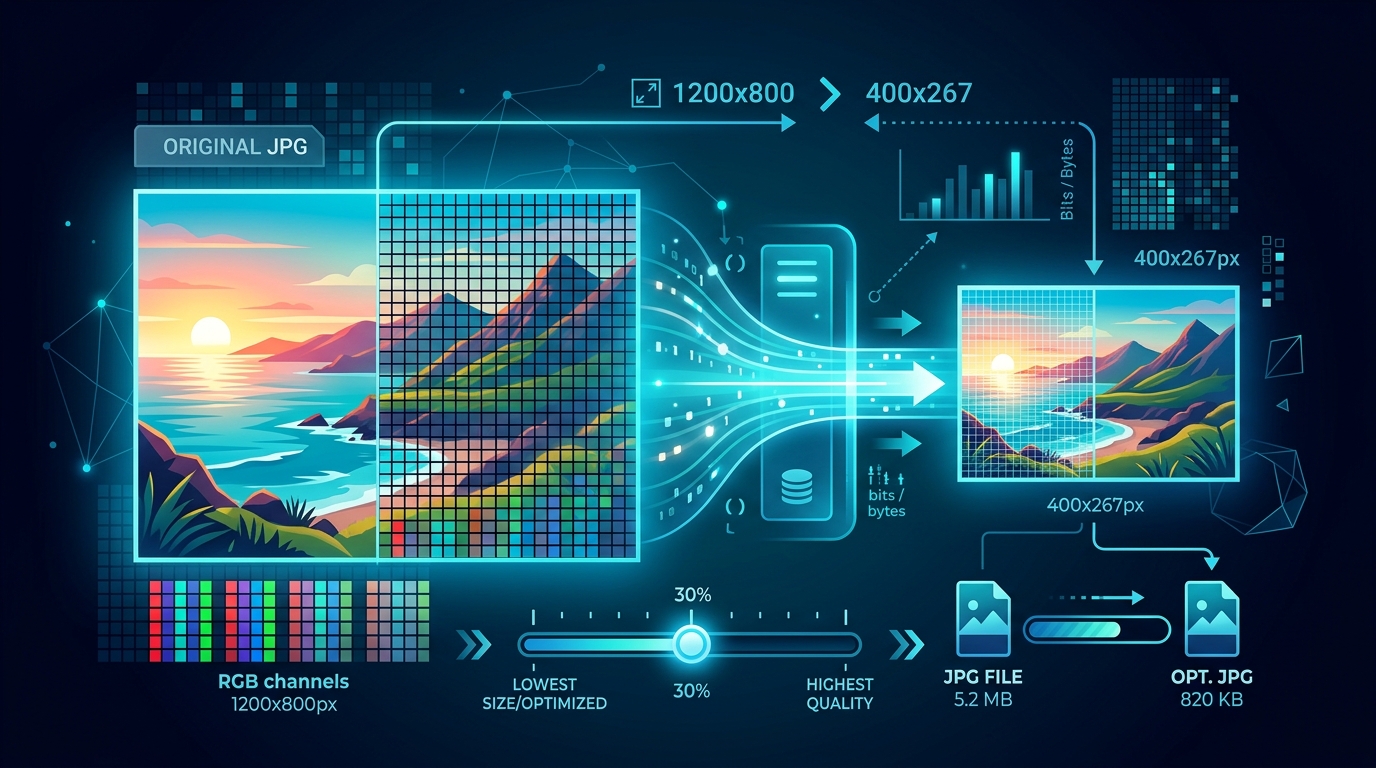
JPG image compression illustration
Image Compression

How to Reduce JPG File Size

Optimize JPG images for web, email, and storage. Understand quality settings, resize strategies, and when to choose lossy vs lossless.

14 min read